- Runtime execution tracing per invocation, exported in real time while the invocation is running
- Exporting traces to OTLP-compatible systems (e.g. Jaeger)
- Correlating parent traces of incoming HTTP requests, using the W3C TraceContext specification
- Propagating the trace context to your services, so spans created in your handlers join the same trace (see End-to-end tracing with the SDKs)
Setting up OTLP exporter
Set up the OTLP exporter by pointing the configuration entrytracing-endpoint to your trace collector.
By default, a tracing-endpoint using the http:// or https:// scheme will emit trace data in the OTLP/gRPC format.
Restate also supports the otlp+http:// and otlp+https:// schemes, to emit trace data in the OTLP/HTTP format.
Note that when using OTLP/HTTP, the tracing-endpoint URI usually needs to include an e.g. /v1/traces path.
Exporting traces to Jaeger
Jaeger accepts OTLP trace data on port4317 (gRPC) and 4318 (HTTP).
Start Jaeger locally with Docker, for example:
-e RESTATE_TRACING_ENDPOINT=http://host.docker.internal:4317.
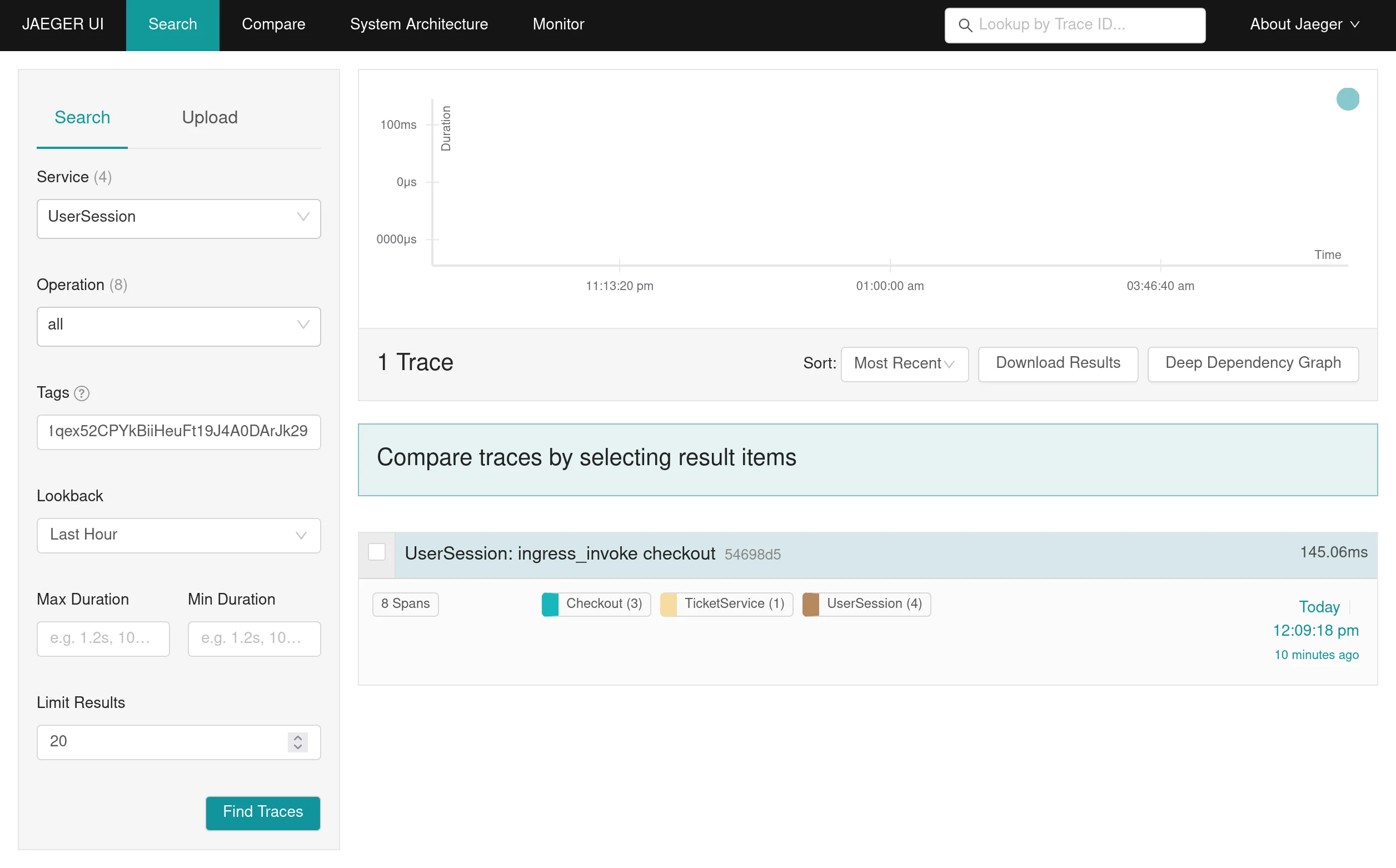
If you now spin up your services and send requests to them, you will see the traces appear in the Jaeger UI at http://localhost:16686
Specifying additional tracing headers
Specifying additional tracing headers
You can specify additional headers to be sent with the trace data by setting the
tracing-headers configuration entry.
For example, to specify an authorization header add the following snippet to the configuration file:Filtering traces
Filtering traces
You can configure a span/event filter in a similar fashion to the log filter setting the
tracing-filter configuration entry.Setting up Jaeger file exporter
Setting up Jaeger file exporter
If you can’t configure a Jaeger agent, you can export traces by writing them to files, using the Jaeger JSON format.
To do so, set up the configuration entry 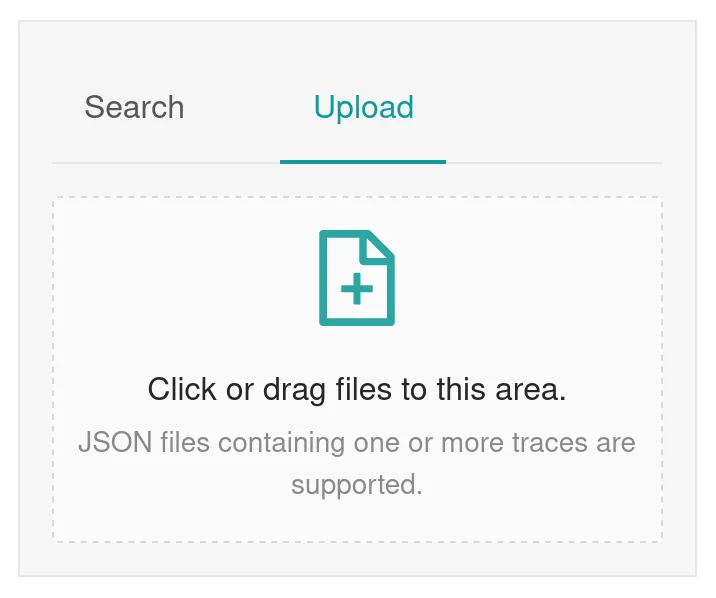
tracing-json-path pointing towards the path where trace files should be written.You can import the trace files using the Jaeger UI:Understanding traces
Restate traces represent what is physically happening during an invocation, while it is happening. For every invocation, Restate emits the following spans:| Span | Description |
|---|---|
ingress <target> | The HTTP request was received by the Restate ingress. Emitted only for invocations made over the ingress. |
invocation-start <target> | The invocation started. This is the anchor span: all other spans of the invocation are children of it. |
invocation-attempt <target> | One span per invocation attempt, emitted as soon as the attempt ends. Attempts that fail with a retryable error are marked with error status, so you can spot retry loops at a glance. |
invocation-end <target> | The invocation completed, recording whether it succeeded or failed. |
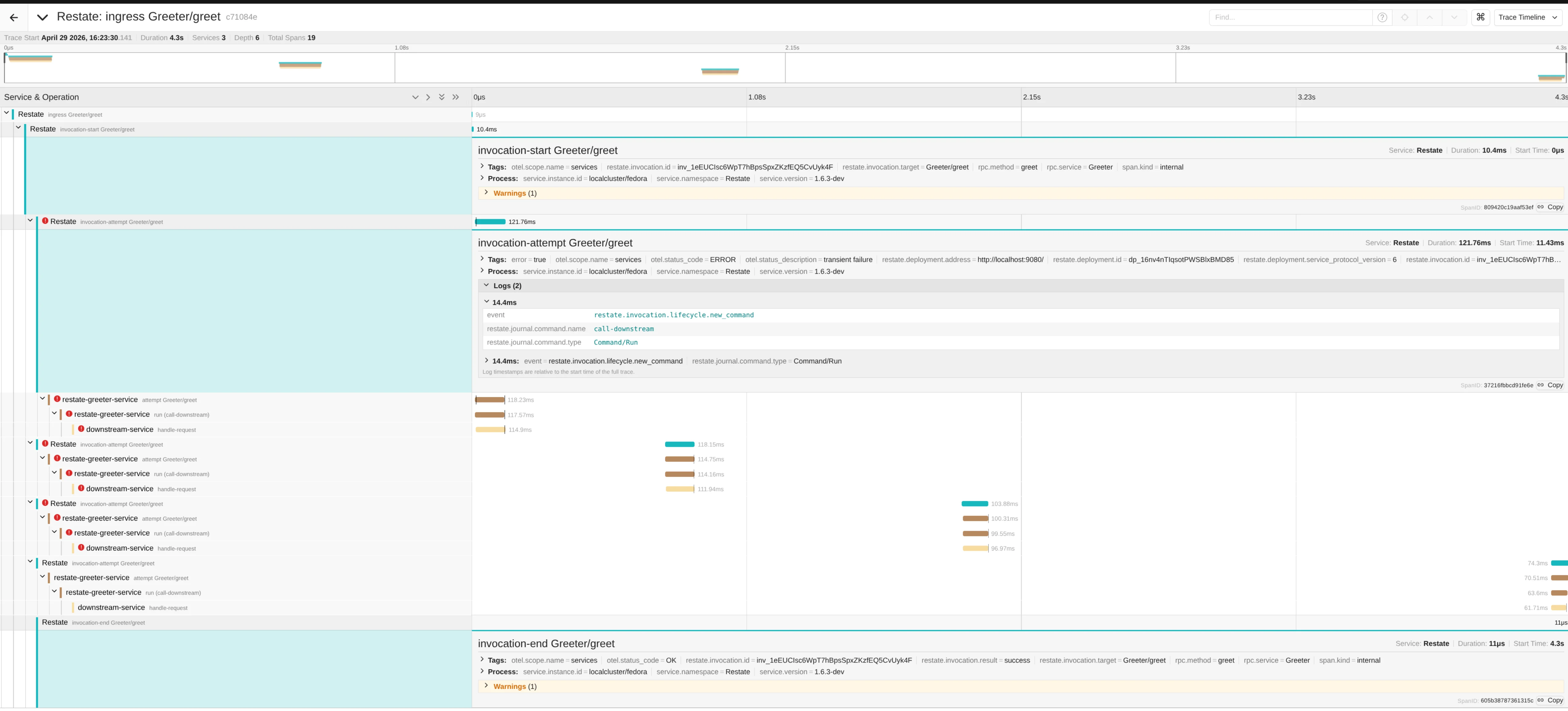
invocation-attempt span, published right when the attempt failed.
The spans below each attempt are emitted by the service itself, using the SDK tracing integrations.
Operations performed by the handler (e.g. ctx.run, calls, sleeps, state access) are recorded as events on the attempt span, rather than as separate spans:
| Event | Description |
|---|---|
restate.invocation.lifecycle.new_command | The handler created a new journal command. The attributes restate.journal.command.type and restate.journal.command.name describe the command. |
restate.invocation.lifecycle.run_ended | A ctx.run block finished executing. |
restate.invocation.lifecycle.suspended | The invocation suspended, waiting for some condition (e.g. a timer, a call result). |
restate.invocation.lifecycle.yielded | The invocation yielded the execution. |
When a handler calls another service, the child invocation joins the same trace.
One-way calls (send) are shown as separate traces instead, linked to the trace of the parent invocation.
To find them, search for the trace of the one-way call by filtering on the invocation id attribute
restate.invocation.id.Spans emitted by Restate are exported with the resource service name
Restate, the process that physically produces them.
The logical, per-invocation view remains available in the Restate UI.Span attributes
Restate spans carry the following attributes, which you can use to build dashboards, alerts, and queries:| Attribute | Spans | Description |
|---|---|---|
restate.invocation.id | All | The invocation ID. |
restate.invocation.target | All | The invocation target (e.g. Greeter/greet for services, Greeter/myKey/greet for keyed services). |
rpc.service / rpc.method | All | The service name and the handler name. |
restate.deployment.id | invocation-attempt | The ID of the deployment processing the attempt. |
restate.deployment.address | invocation-attempt | The address of the deployment processing the attempt. |
restate.deployment.service_protocol_version | invocation-attempt | The service protocol version used by the deployment. |
restate.invocation.result | invocation-end | The invocation result: success or failure. |
restate.invocation.error.code | invocation-end | The error code, if the invocation failed. |
error.message | invocation-end | The error message, if the invocation failed. |
End-to-end tracing with the SDKs
Restate propagates the W3C TraceContext to your service on every invocation attempt. The SDK tracing integrations use it to create a span per handler attempt, and a child span perctx.run block, all joining the same trace:
The SDK spans carry the same restate.invocation.id and restate.invocation.target attributes as the runtime spans, so you can correlate them easily.
Spans created per ctx.run block carry the run name in the restate.run.name attribute.
Trace context propagation also works at the boundaries:
- Upstream: if the incoming HTTP request to the ingress carries a
traceparentheader, the invocation trace continues from it. - Downstream: spans you create yourself inside your handlers (e.g. instrumented HTTP clients, database calls) attach to the trace of the current attempt.
Searching traces
Traces export attributes that correlate the trace with the service and/or invocation. For example, in the Jaeger UI, you can filter on the invocation id (restate.invocation.id) or any other attribute: